Google opens opt-in Wallet access to AI Mode, with Drive to follow
Google began rolling out opt-in Wallet access to Personal Intelligence in AI Mode on 23 November, with Drive and Gemini connections promised in the coming weeks.
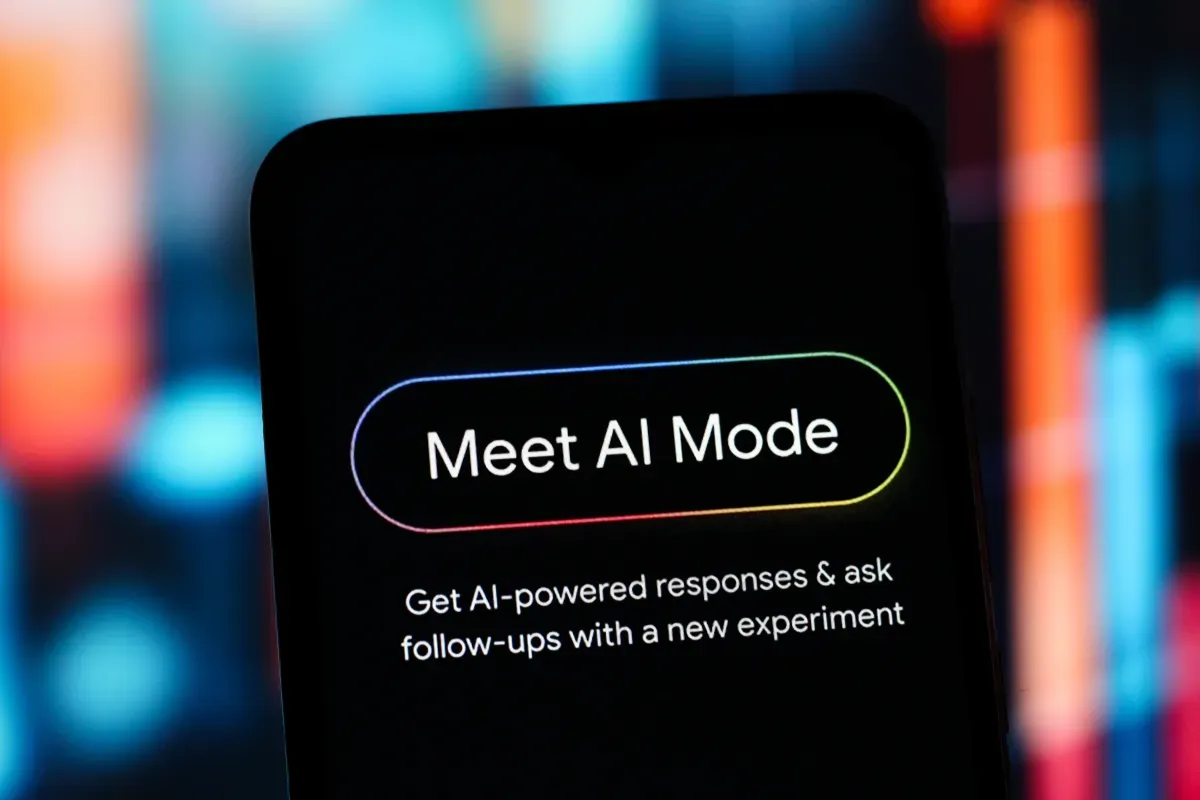 Photo: TechCrunch
Key points
Google now lets users opt in to connect Google Wallet to Personal Intelligence in AI Mode, giving Search read-only access to spending data, with Drive and Gemini coming in the coming weeks.
Google said on 23 November that it began rolling out an opt-in connection between Google Wallet and Personal Intelligence in AI Mode, the version of its search engine that answers with generated text. The company announced the change in a post by Robby Stein, vice president of product for Google Search. Wallet joins Gmail, Google Calendar and Google Photos, which Personal Intelligence could already draw on for tailored answers.
The new capability gives AI Mode a read-only view of financial data held in Wallet. Google says the connection lets users map out financial milestones, find ways to trim everyday spending and get more from credit card benefits, such as cash-back categories, travel perks and reward points. Google states that if a user connects Wallet, AI Mode can only read information from accounts and cannot move, manage or invest money.
What Wallet access does
The mechanism is an opt-in link between a user's Google account and the AI Mode assistant. Once connected, Search draws on the user's own spending habits and recent activity to shape answers, rather than relying only on the public web. Google describes the feature as bringing context from spending, documents and chats directly to Search, and says users choose if and when they opt in.
Google's own description of the Wallet feature is narrow. In its announcement, the company lists three uses: tracking financial goals, cutting everyday spending and maximising card rewards. It does not describe the assistant paying bills, transferring balances or recommending specific financial products. The read-only limit is stated twice, once for Wallet in AI Mode and once for the Gemini app.
Google Drive is the second addition, and it is not live yet. Google says support for Drive and the Gemini app is following in the coming weeks. Drive would give Search access to documents, spreadsheets and PDFs, which Google says often hold information scattered across files when someone starts a project or makes a big decision. One example Google gives is a personalised preparation plan ahead of tax season.
Drive and Gemini next
The Gemini connection works in both directions. Google says users will be able to share context between the Gemini app and AI Mode in Search, so an idea explored in one carries into the other without starting over. Users could already opt in to connect their Search history to Personal Intelligence in the Gemini app; the new step connects the Gemini app to Personal Intelligence in AI Mode.
Google also said users will start seeing more personally relevant responses in AI Overviews and AI Mode, tailored to their recent search context. Its example is trip planning: someone researching a destination can pick up where they left off in a new search thread. Separately, a Personalization icon will soon appear below tailored responses so users can view the context AI Mode used.
Google says the connections are optional and off by default. Users opt in by opening Search Personalization, selecting Connected Apps and choosing which apps to connect, and Google says connections can be turned on or off at any time. The company also says users can adjust or turn off personalisation in Search Settings, and can tell AI Mode to change a stated preference in the thread.
How users switch it on
The privacy controls extend beyond the new apps. Google's settings include switches for personalised recommendations, Search services history, likes and preferences, and personalised ads. For Gemini, users can turn off chat history saving and separately stop Google from training AI models on their content, a change that began rolling out on 16 November. With chat history off, Google still keeps chats for around two months.
Google frames the expansion as a way to use data already inside its own products. The same data now feeds answers in Search as well as in the Gemini app, and the controls sit in settings menus rather than at the point of each answer. The Personalization icon, once it arrives, is the first place a user can see which context shaped a reply.
The Wallet rollout is under way now, and Drive and the Gemini app connection are due in the coming weeks, according to Google. The Personalization icon is also slated to arrive soon, without a fixed date. Users who want the feature must opt in through Search Personalization; those who do nothing keep the connections off, Google says.
Frequently asked questions
What can Google AI Mode do with my Wallet?
Google says AI Mode can read information from accounts in Google Wallet to map financial milestones, trim everyday spending and maximise credit card benefits. It cannot move, manage or invest money, and the connection is opt-in.
How do I turn Personal Intelligence on or off?
Open Search Personalization, select Connected Apps and choose which apps to connect. Google says connections can be turned on or off at any time, and personalisation can be adjusted in Search Settings.